
← Files RevenueDotARCHIVED FILE
README.md
5.08 KB · Nov 9, 2026 · 01:23 UTC
# RevenueDot: manage your mobile app's subscriptions from Claude, ChatGPT and Codex **Run monetization for your iOS and Android apps from chat: check MRR and revenue, look up customers and why they lost access, grant or extend access, set up plans and paywall offerings, and fix App Store and Google Play issues.** RevenueDot is an open-source backend for in-app subscriptions that works with the RevenueCat SDK. This plugin connects your assistant to your RevenueDot project and teaches it five workflows. [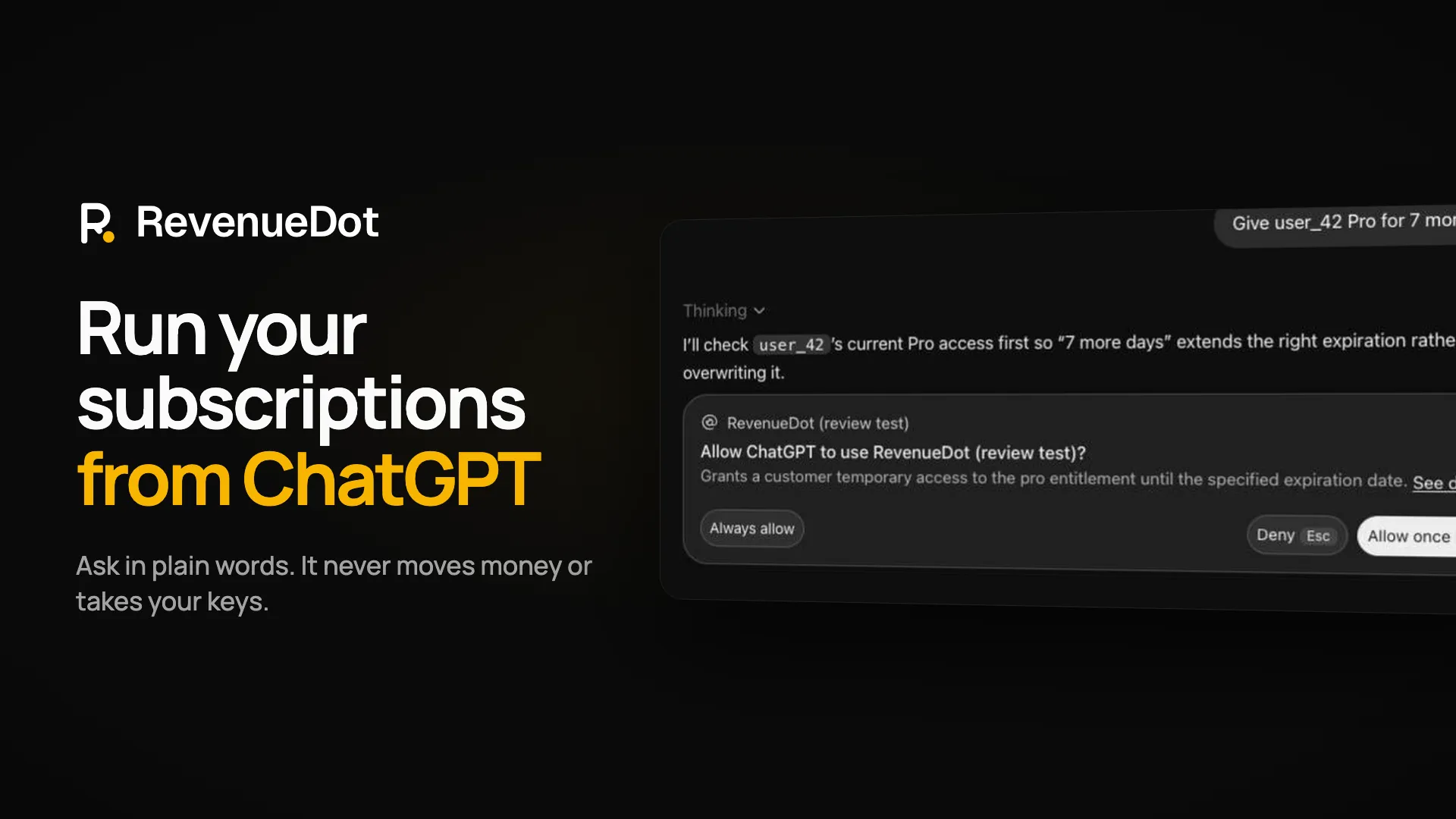](https://revenuedot.app/videos/revenuedot-chatgpt-demo.mp4) ## Install | Where | Install | |---|---| | Claude Code or Claude Desktop | `/plugin marketplace add revenuedot/agent-skills`, then `/plugin install revenuedot@revenuedot` | | Claude connector directory | Search RevenueDot in the connector directory, or add `https://mcp.revenuedot.app/claude/mcp` as a custom connector | | ChatGPT | Search RevenueDot in the plugin directory, or add `https://mcp.revenuedot.app/chatgpt/mcp` as a connector in developer mode | | Codex | `codex plugin marketplace add revenuedot/agent-skills`, then install `revenuedot` | You need a RevenueDot account: [start free on RevenueDot Cloud](https://app.revenuedot.app/signup), or run your own server. Connecting opens RevenueDot's sign-in page, where you pick one project and choose **read only** or **read and change**. Cancelling, refunding and extending subscriptions need a separate **Money actions** checkbox, and the assistant asks before every change. ## What you can ask - "How is my subscription business doing, and is anything broken?" - "Find the customer with email buyer@example.com and tell me why they have access." - "Give user_42 Pro for 7 more days." - "Set up a weekly plan called pro_weekly and add it to the pro entitlement." - "Show failed webhook deliveries and retry the latest one." - "Move my app from RevenueCat to RevenueDot without losing a subscriber." ## Skills | Skill | Use it when | |---|---| | [`add-subscriptions`](skills/add-subscriptions/SKILL.md) | You want subscriptions and a paywall in an iOS, Android, React Native or Flutter app: create the catalog, configure the SDK, gate on an entitlement, test with the Test Store | | [`migrate-from-revenuecat`](skills/migrate-from-revenuecat/SKILL.md) | You ship the RevenueCat SDK and want to move to RevenueDot: import the project, run both side by side with store notifications forwarded, set the proxy URL, verify, then cut over | | [`support-playbook`](skills/support-playbook/SKILL.md) | You answer a subscription ticket: find the customer, explain why they have or lack access, then grant, extend, cancel or refund (money actions only after your yes) | | [`weekly-revenue-check`](skills/weekly-revenue-check/SKILL.md) | You want a five-line health and revenue report: store connections, failed webhooks, billing problems, MRR | | [`self-host`](skills/self-host/SKILL.md) | You want to run RevenueDot yourself with Docker and Postgres: first account, connecting an assistant, store notifications, backups and upgrades | ## What the plugin connects to, runs and sends - **One MCP server:** `https://mcp.revenuedot.app/claude/mcp` in Claude (38 tools), `https://mcp.revenuedot.app/chatgpt/mcp` in ChatGPT (37 tools, no refunds). It is the open-source server in [revenuedot/mcp](https://github.com/revenuedot/mcp) and calls only RevenueDot's API (`https://api.revenuedot.app`). It signs in with OAuth, so the plugin never reads, stores or sends a secret key. The full tool list, with the OAuth scope each tool needs, is in that repository's README. - **No hooks, commands or code.** The plugin is Markdown skills, manifests and two images, and nothing runs on install. The `evals/` folder holds sample prompts, grading notes and mocked tool answers for `claude plugin eval`; the plugin does not load it during normal use. - **Commands the developer runs themselves.** Two skills show terminal commands for the developer to run, never the assistant: the importer that copies a project from RevenueCat ([`revenuedot`](https://www.npmjs.com/package/revenuedot) on npm, pinned to an exact version) needs a RevenueCat key and a RevenueDot key typed into the developer's own terminal, and the self-hosting skill uses Docker and the local MCP server ([`@revenuedot/mcp`](https://www.npmjs.com/package/@revenuedot/mcp), pinned). The skills tell the assistant never to ask for, read or repeat a key, a password or store credentials. Store credentials are entered only in the RevenueDot dashboard. - **Data:** the tools read and change the project you picked: products, entitlements, offerings, customers (app user ids and attributes such as `$email`), subscriptions, transactions, webhook logs and revenue metrics. Results go only to the assistant you connected. Privacy policy: https://revenuedot.app/legal/privacy. ## Support Docs: https://revenuedot.app/docs/guides/connect-ai-assistants. Help: https://revenuedot.app/docs/help or support@revenuedot.app. RevenueDot is made by Circo, Inc. and is not affiliated with RevenueCat, Inc. Licence: MIT.
SHA-256: 9b12922a024b7bab59592438f955324fb17b5de0cba97ffc37b71dae3ac431db